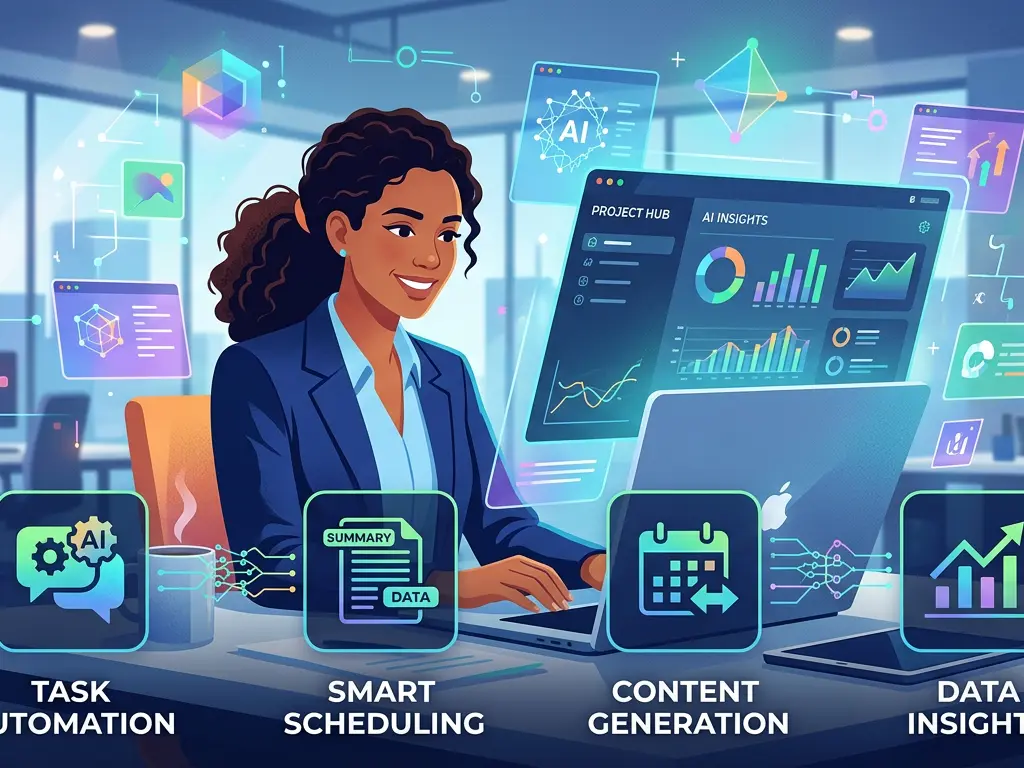
AI Task Management: Automate Your Workflow
Learn how AI-powered task management tools can help you organize, prioritize, and automate your daily workflow.
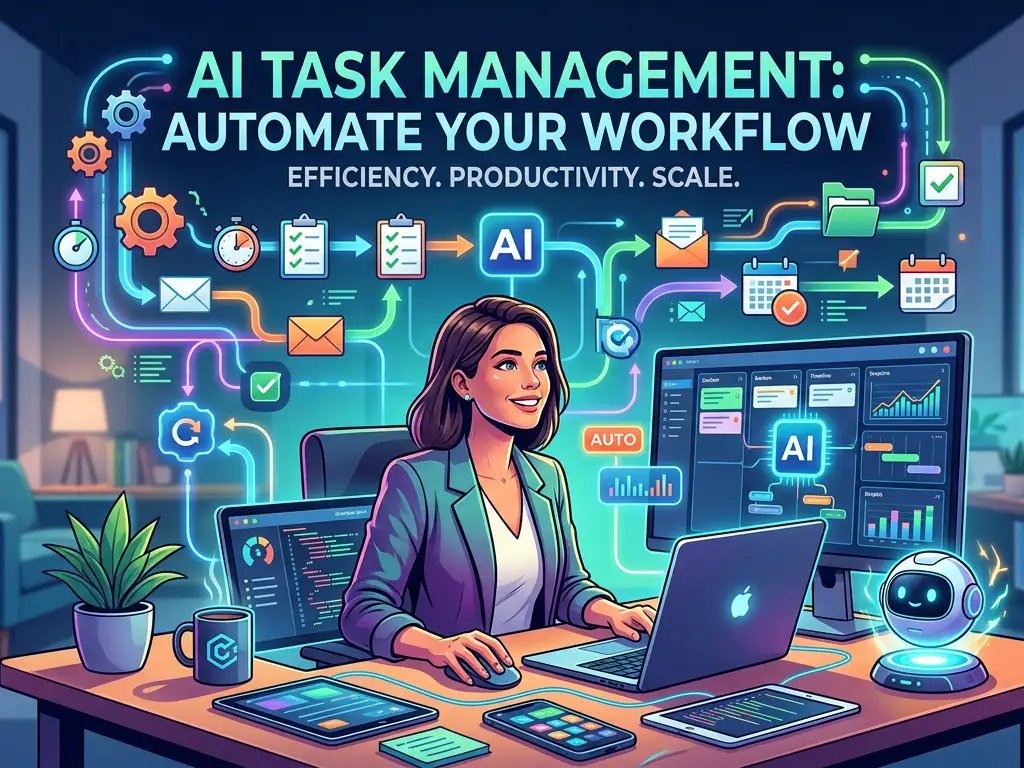
AI Task Management: Automate Your Workflow for Unprecedented Productivity
Introduction: The Productivity Revolution at Your Fingertips
In an era where the average knowledge worker switches between 10 apps 25 times per day and loses 28% of their workweek to interruptions and context switching, the promise of AI task management isn't just appealing—it's essential. Artificial Intelligence has evolved from a futuristic concept to a practical solution that can transform how we organize, prioritize, and execute our work. AI task management tools represent the next evolution in productivity, moving beyond simple digital to-do lists to intelligent systems that understand your work patterns, predict your needs, and automate routine processes.
The modern workplace demands more than just organization; it requires intelligent prioritization, adaptive scheduling, and proactive workflow management. Traditional task management systems rely on manual input and constant maintenance, creating what productivity experts call "productivity debt"—the time spent managing your system instead of doing actual work. AI task management flips this equation, using machine learning, natural language processing, and predictive analytics to create systems that work for you rather than requiring you to work for them.
This comprehensive guide will explore how AI is revolutionizing task management, provide practical examples of implementation, review leading tools, and offer actionable strategies to transform your workflow from reactive to proactive, from manual to automated, and from overwhelming to optimized.
What is AI Task Management? Beyond Digital To-Do Lists
The Core Components of Intelligent Task Management
AI task management represents a fundamental shift from passive tracking to active assistance. At its core, these systems combine several artificial intelligence technologies:
Natural Language Processing (NLP) allows you to interact with your task manager conversationally. Instead of filling out multiple fields, you can type "Schedule a 30-minute meeting with Sarah next Tuesday about the Q3 projections" and the system will create the task with proper categorization, due date, and context.
Machine Learning Algorithms analyze your work patterns to make intelligent suggestions. These systems learn which tasks you complete on time, which you postpone, what times of day you're most productive for different types of work, and how you categorize different activities.
Predictive Analytics helps forecast time requirements, identify potential bottlenecks before they become problems, and suggest optimal scheduling based on historical data and current workload.
Automation Integration connects with your existing tools (email, calendar, communication platforms, project management software) to create seamless workflows that reduce manual data entry and context switching.
How AI Differs from Traditional Task Management
Traditional systems operate on explicit rules: "If I mark this as high priority, put it at the top of my list." AI systems add implicit understanding: "Based on your past behavior with similar tasks, your current workload, and your upcoming calendar, this 'high priority' task should actually be scheduled for Thursday morning when you typically complete analytical work most efficiently."
The most significant difference lies in the system's evolution. Traditional tools remain static until you change them; AI tools become more personalized and effective the more you use them, creating a virtuous cycle of improved suggestions and time savings.
Key Features of Modern AI Task Management Tools
Intelligent Task Creation and Capture
Modern AI task managers have revolutionized how tasks enter your system. Instead of manual entry, these tools offer:
Multi-platform capture that works across email, messaging apps, voice assistants, and even meeting transcripts. Tools like Mem and Taskade can generate actionable items from meeting notes automatically.
Smart parsing that extracts relevant details from unstructured input. When you forward an email with "Let's discuss the budget next week," the system identifies the action item ("discuss budget"), creates a task, and suggests a due date based on "next week" and your availability.
Contextual understanding that adds relevant information automatically. If you create a task mentioning "client presentation," the system might attach recent files related to that client, add the client's timezone for scheduling considerations, and flag similar upcoming tasks.
Dynamic Prioritization and Scheduling
AI excels at helping you work on the right things at the right time through:
Priority scoring that considers multiple factors beyond your manual input. Systems like Reclaim.ai and Motion analyze deadline proximity, estimated effort, dependencies, your energy patterns, and even the importance of the person requesting the task.
Intelligent calendar integration that treats your time as the finite resource it is. Instead of just blocking time for tasks, these tools consider your meeting schedule, focus time preferences, and even travel or commute times when suggesting when to work on specific items.
Adaptive rescheduling that automatically adjusts your plan when interruptions occur or priorities shift. If an urgent meeting appears on your calendar, the system redistributes your task schedule rather than leaving you to manually reorganize everything.
Automated Workflow and Process Management
The most significant time savings come from automation of repetitive processes:
Template intelligence that doesn't just save static templates but adapts them based on context. When you start a "client onboarding" process, the system can customize the task list based on the client type, service tier, and team members involved.
Smart delegation that suggests the right person for a task based on their skills, current workload, and past performance with similar tasks. Some tools even draft assignment messages with appropriate context.
Progress prediction that updates timelines automatically as tasks advance or stall, providing realistic completion forecasts without manual status updates.
Leading AI Task Management Tools: Features and Comparisons
Comprehensive AI Task Managers
Notion AI has evolved from a flexible workspace to an intelligent productivity platform. Its AI can summarize meeting notes into action items, generate task lists from project descriptions, and even draft emails related to tasks. The AI features are available as an add-on to existing plans ($10/month per member) and integrate deeply with Notion's database functionality, making it ideal for teams already invested in the Notion ecosystem.
ClickUp offers one of the most comprehensive AI suites in the project management space. Its "ClickUp Brain" acts as a universal search, writer, summarizer, and action item extractor across your entire workspace. Pricing starts at $7/month per user for AI features, and its strength lies in connecting AI capabilities with robust project tracking features.
Taskade takes a unique approach with AI-powered workflows that can generate entire project structures from simple prompts. Tell it "Create a marketing campaign for our new productivity app" and it will generate tasks, subtasks, dependencies, and even suggested timelines. With pricing from $4/month, it's one of the more affordable options for small teams.
Specialized AI Scheduling and Focus Tools
Reclaim.ai specializes in intelligent calendar management and habit scheduling. It analyzes your task list and automatically finds optimal times on your calendar, defends focus time, and even schedules breaks. At $8/month, it's particularly valuable for individuals and teams whose productivity suffers from meeting overload.
Motion combines project management with AI scheduling, creating an optimized daily plan that adjusts in real-time. Its algorithm considers task deadlines, priorities, duration estimates, and your working hours to create what it calls your "ideal day." At $34/month for individuals, it's premium-priced but offers exceptional scheduling intelligence.
Sunrise Calendar (now part of Microsoft's ecosystem) uses AI to suggest meeting times, summarize email content related to calendar events, and provide "smart suggestions" for task scheduling based on your patterns.
AI-Powered Note-Taking with Task Integration
Mem.ai stands out for its ability to turn notes into actionable items automatically. It connects information across your notes, emails, and meetings, surfacing relevant context when you're working on related tasks. Currently free for individuals with team plans coming soon, it's ideal for those whose workflow is information-heavy.
NotebookLM (Google's experimental offering) takes a research-based approach, allowing you to "chat" with your notes and documents to extract tasks, summarize information, and generate action plans from complex materials.
Practical Implementation: Real-World Use Cases and Examples
Use Case 1: The Overwhelmed Project Manager
Challenge: Maria manages 12 simultaneous projects with overlapping deadlines, constantly shifting priorities, and team members across three time zones. She spends 15 hours weekly just updating project plans and chasing status updates.
AI Solution Implementation:
- She implements ClickUp with AI features enabled across her team
- Instead of manual status meetings, she uses AI-generated summaries of each project's progress based on document updates, communication threads, and completed tasks
- The AI identifies risks automatically by flagging tasks that are consistently delayed or have dependency conflicts
- Smart scheduling allocates her review time based on project priority and upcoming deadlines
- Automated standup reports are generated each morning highlighting what each team member worked on yesterday and plans to work on today
Results: Maria reduces administrative time by 60%, identifies bottlenecks 3-4 days earlier than previously, and improves project delivery consistency by 25%.
Use Case 2: The Solopreneur Wearing Multiple Hats
Challenge: David runs a small consulting business alone, handling everything from client work to marketing to administration. He struggles with context switching and frequently drops important but non-urgent tasks like content creation and business development.
AI Solution Implementation:
- He combines Motion for scheduling with Mem for information management
- Motion creates a protected time block each morning for deep work on client projects and afternoon blocks for administrative tasks based on his energy patterns
- When he takes notes during client calls in Mem, action items are automatically extracted and added to Motion with appropriate time estimates
- The system identifies that he consistently postpones business development tasks and begins scheduling them on Tuesday mornings when he's most likely to complete them
- AI-generated email drafts for common client communications save him 30 minutes daily
Results: David increases billable hours by 15% while actually reducing his working hours, consistently completes strategic business development activities, and reports significantly reduced end-of-day mental fatigue.
Use Case 3: The Distributed Team with Communication Overload
Challenge: Tech startup "InnovateCo" has 45 employees across 8 countries struggling with information silos, duplicate work, and difficulty tracking decisions across Slack, email, and Google Docs.
AI Solution Implementation:
- They implement Notion AI across their entire operation
- Meeting notes taken in Notion automatically generate action items assigned to appropriate team members with deadlines
- The AI creates weekly digests of important updates from across all projects, highlighting decisions made and next steps
- When team members ask questions in Slack about project status, the AI can provide answers based on the latest documentation
- Cross-project dependency tracking automatically alerts teams when their deliverables are blocking others
Results: 40% reduction in "what's the status?" messages, 30% decrease in meeting time as asynchronous updates become more effective, and improved visibility into inter-team dependencies.
Actionable Implementation Strategy: Your 30-Day AI Task Management Transformation
Week 1: Assessment and Tool Selection
Audit your current workflow: Track how you spend time for 3-5 days using a simple timer or tool like RescueTime. Identify where you're losing time to task management overhead versus actual execution.
Define your primary pain points: Are you struggling with prioritization? Scheduling? Task capture? Follow-through? Different tools excel at different challenges.
Select one primary tool to start: Based on your main pain point and budget, choose one AI task manager. Consider starting with a tool that offers a generous free trial.
Set up basic integration: Connect your email and calendar at minimum. Most tools make this straightforward with guided setup.
Week 2-3: Gradual Implementation and Habit Formation
Start with task capture: Begin using the AI's natural language input for all new tasks. Force yourself to stop using your old system.
Implement one advanced feature weekly: Week 2 might focus on AI prioritization; Week 3 on smart scheduling. Gradual implementation prevents overwhelm.
Establish review rituals: Set 15 minutes daily and 30 minutes weekly to review AI suggestions and correct any mislearned patterns. This "AI training" period is crucial.
Document your process: Keep notes on what's working and what isn't. Most AI tools improve with feedback.
Week 4: Optimization and Expansion
Analyze your first month's data: Most tools provide productivity analytics. Review what the data reveals about your work patterns.
Fine-tune settings: Adjust any preferences based on what you've learned about how the AI interprets your workflow.
Explore advanced automations: Begin implementing if-then rules or templates for repetitive task sequences.
Consider team rollout: If you work with others, identify one process or project that could benefit from shared AI task management.
Best Practices for Maximizing AI Task Management Effectiveness
Data Quality Principles
Consistent input creates intelligent output: The AI learns from your behavior. Using natural language input consistently (rather than sometimes typing, sometimes using quick add) improves the system's understanding of your patterns.
Regular review and correction: When the AI misprioritizes or misunderstands a task, take 30 seconds to correct it. This feedback loop is how the system personalizes to your needs.
Context is king: When creating tasks, include relevant details. "Finalize Q3 report" is less helpful to an AI than "Finalize Q3 report for leadership team, needs financial charts, 5 pages maximum, high priority."
Integration Strategy
Start with core tools, then expand: Begin with email and calendar integration, then add communication tools, document storage, and specialized apps based on your workflow.
Create "trigger points": Identify where tasks typically enter your workflow (certain types of emails, specific meetings, messages from particular people) and ensure the AI captures from those sources.
Maintain a single source of truth: Resist the temptation to maintain tasks in multiple systems. The AI's effectiveness depends on having complete data.
Human-AI Collaboration Mindset
View AI as an assistant, not an autopilot: The most effective users maintain oversight while delegating administrative work to the AI.
Balance automation with intentionality: Use the time saved from administrative tasks for strategic thinking, creativity, and high-value work that AI cannot replicate.
Develop complementary skills: As AI handles more routine task management, focus on developing skills in areas like complex prioritization, stakeholder management, and strategic planning.
Common Pitfalls and How to Avoid Them
Over-Automation
Problem: Automating processes before fully understanding them, creating rigid systems that can't adapt to exceptions.
Solution: Implement automation gradually, starting with the most repetitive, rule-based tasks. Maintain manual review points where human judgment adds value.
Data Privacy Considerations
Problem: Sensitive information being processed by third-party AI systems.
Solution: Review each tool's data handling policies. Consider on-premise solutions for highly sensitive data. Use built-in controls to exclude confidential information from AI processing when necessary.
Skill Atrophy
Problem: Over-reliance on AI for prioritization and scheduling leading to diminished personal judgment capabilities.
Solution: Periodically (perhaps quarterly) practice managing tasks without AI assistance to maintain fundamental skills. Use AI-generated suggestions as starting points for your own decision-making rather than final decisions.
The Future of AI Task Management: What's Next?
Predictive Proactivity
The next evolution will move from reactive assistance to predictive proactivity. Systems will not just manage tasks you've identified but will suggest tasks you haven't yet recognized based on patterns in your work, industry trends, and organizational goals.
Emotionally Intelligent Systems
Early research into affective computing suggests future systems might consider stress levels, cognitive load, and even emotional state when scheduling tasks, potentially recommending breaks or different types of work based on your mental state.
Cross-Platform Intelligence
Rather than isolated tools, we'll see ecosystems where AI task management functions seamlessly across all your applications, with intelligence that understands context as you move between communication, creation, and planning tools.
Democratized Customization
As large language models become more accessible, users will be able to customize their AI task managers through natural language instructions rather than complex settings, creating truly personalized productivity systems.
Conclusion: Transforming Work Through Intelligent Assistance
AI task management represents more than just technological advancement; it offers a fundamental rethinking of how we approach work in an increasingly complex, information-rich world. By automating the administrative overhead of task management, these tools return the most valuable resource—time and mental bandwidth—to professionals at all levels.
The transition to AI-assisted workflow requires an investment of time and a willingness to change habits, but the return on that investment can be transformative. As these systems learn and adapt to individual work patterns, they create a virtuous cycle: the more you use them, the better they understand your needs, and the more time they save you.
Starting small with one tool and a few key features, then gradually expanding as you become comfortable, provides a manageable path to transformation. Whether you're an individual contributor seeking focus, a manager coordinating complex projects, or an executive needing strategic oversight, AI task management tools offer tailored solutions that scale with your needs.
The future of work belongs not to those who work harder, but to those who work smarter with the best tools at their disposal. AI task management represents one of the most practical, immediately beneficial applications of artificial intelligence available today—a partnership between human intelligence and artificial intelligence that elevates what both can achieve.
Key Takeaways:
- AI task management moves beyond organization to intelligent assistance through NLP, machine learning, and predictive analytics
- Implementation should start with identifying your primary pain points and selecting one tool that addresses them
- Gradual implementation with consistent feedback creates increasingly personalized systems
- The most effective approach balances AI automation with human oversight and strategic thinking
- The time saved on administrative task management can be reinvested in high-value work that drives meaningful results
The revolution in how we work is already here, and it's intelligent, adaptive, and ready to transform your productivity from a constant challenge into a sustainable advantage.